Genshin Impact Download Size and Storage Requirements
Genshin Impact storage size in 2026 is massive across PC, mobile, and PS5—get exact GB requirements and smart tips to manage your disk space.
If you're about to install Genshin Impact for the first time—or jump back in after skipping a few major patches—the first thing you should probably check is storage. And honestly, that matters way more in 2026 than it did at launch. HoYoverse’s open-world RPG has grown a lot since 2020, with Sumeru, Fontaine, Natlan, and more content from the 6.x update cycle all stacking onto the base client. So before you hit download, it’s worth knowing how much space the game actually needs, how that differs from the initial download, and what you can do to keep the install size under control.
How Many Gigabytes Is Genshin Impact in 2026
The quick answer is that Genshin Impact is pretty large on every platform now, but the exact number depends on where you play. On PC, a fully updated install in 2026 usually lands around 55 to 75 GB, with the higher end being more common if you have high-resolution assets and leftover patch data. On mobile, Android generally sits around 20 to 28 GB, while iPhone and iPad installs usually fall between 22 and 30 GB. On PS4 and PS5, you're typically looking at 35 to 45 GB.
One thing that catches a lot of players off guard is the difference between download size and installed size. The file you grab from the launcher, App Store, or console storefront is much smaller than what ends up on your drive, because the game unpacks a huge amount of asset data during installation. You’ll also want to leave an extra 10 to 15 GB of free space available for updates, shader cache files, and temporary patch data that gets written before the cleanup finishes.

| Platform | Download Size (Approx.) | Installed Size (2026) | Recommended Free Buffer |
|---|---|---|---|
| PC (Standard) | 5–10 GB (launcher) | 55–65 GB | 15 GB |
| PC (High-Res Assets) | 5–10 GB (launcher) | 65–75 GB | 15 GB |
| Android | 3–5 GB (initial APK+OBB) | 20–28 GB | 8 GB |
| iOS | 3–5 GB (App Store) | 22–30 GB | 8 GB |
| PS4 | Full client | 35–42 GB | 10 GB |
| PS5 | Full client | 38–45 GB | 10 GB |
Genshin Impact Size by Platform
PC Storage Size
PC is still the heaviest version by a pretty clear margin. It’s not just the game itself, either. The HoYoverse launcher keeps its own files, and during updates the client writes temporary patch data into the GenshinImpact_Data\StreamingAssets directory. Those leftovers do not always get removed cleanly, which means the real footprint on your SSD can creep several gigabytes above the expected base size.
That’s also why installing Genshin on an SSD is strongly recommended. It’s less about saving space and more about faster loading, smoother asset streaming, and better shader compilation behavior. Before installing, you should have at least 80 GB of free space ready on the target drive. That gives enough room for the game itself, the update buffer, and the shader cache that builds up under AppData\Local\GenshinImpact.
The PC version has also gotten bigger thanks to higher-resolution asset packs added around Natlan and later updates. And if HoYoverse keeps the same pace through the 6.x and 7.x cycles, that storage trend is almost certainly going one way: up.
Mobile Storage Size
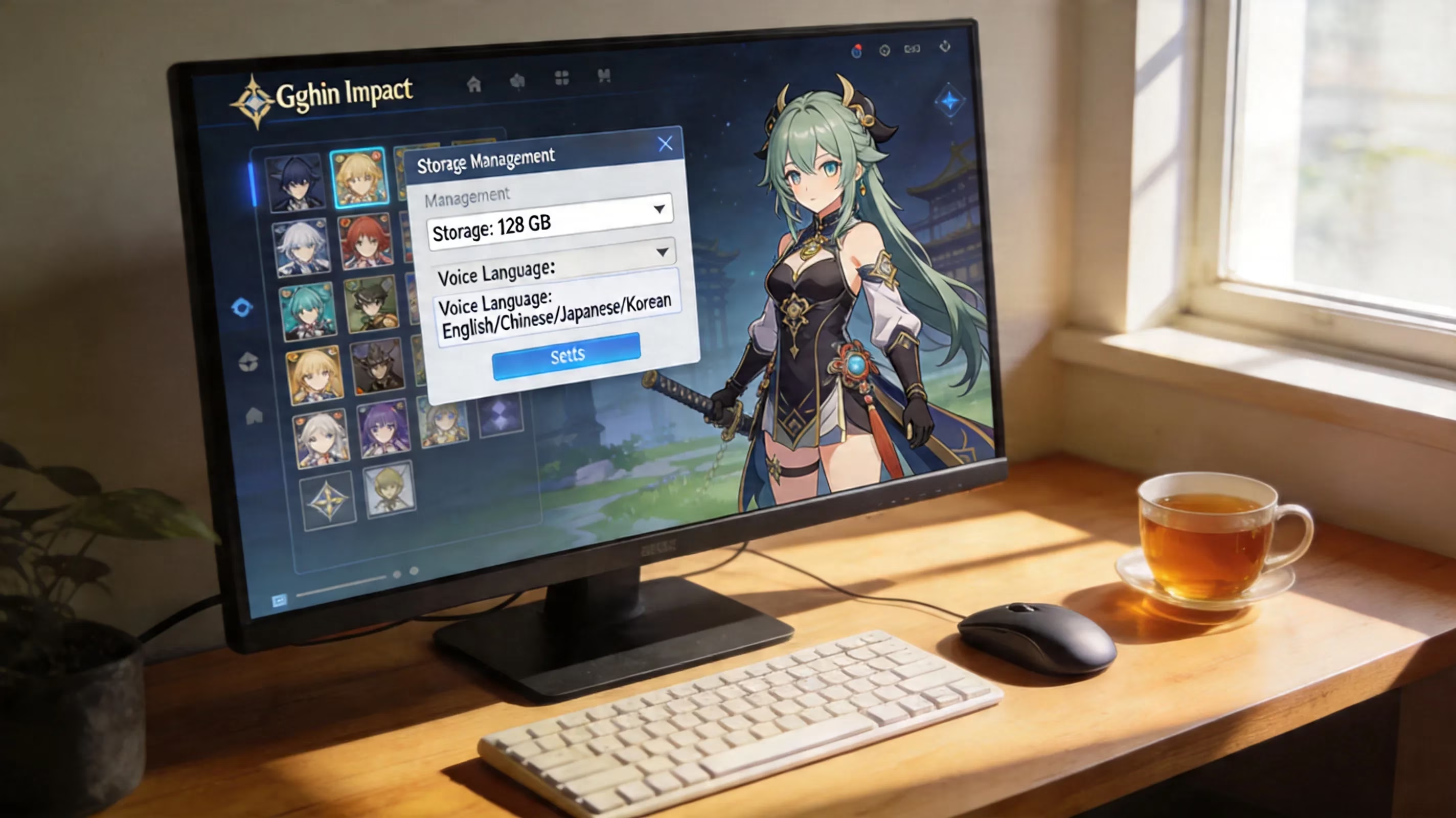
On Android, voice packs make a massive difference. If you’ve got all five dubbed languages installed—English, Japanese, Mandarin Chinese, Korean, and Spanish—the game can push right toward the top of that 20 to 28 GB range. If you only keep the one you actually use, you can usually get back 3 to 6 GB right away through Settings > Audio > Voice Language.
There’s another catch on Android: the game stores OBB expansion files in internal storage. So while some phones technically let you move apps around, Genshin really does not play nicely with SD cards. In practice, that often leads to stutter, asset loading issues, or worse.
iOS handles storage a little more efficiently thanks to Apple’s App Thinning system, which removes hardware-specific assets your device doesn’t need. That helps keep the initial install somewhat leaner than Android. Still, after a few major patches, both platforms tend to build up residual cache data, and the total size starts climbing. If you’re trying to play on a 64 GB phone, you’ll feel that pressure fast. Realistically, 128 GB of internal storage is the comfortable baseline for long-term play.
PS4 and PS5 Size
On PlayStation, the install size is a bit more predictable, but updates can be annoying. The PS4 version usually takes 35 to 42 GB, while PS5 tends to sit around 38 to 45 GB because of higher-quality texture streaming and other optimized assets.
The bigger issue is Sony’s patch-copying process. When a major update drops, your console doesn’t just download the patch and apply it. It often copies the game files while patching, which can temporarily require close to double the game’s installed size in free space. That’s why players with nearly full drives run into update errors even when the patch itself doesn’t look that large.
A full reinstall on console can sometimes shrink the final footprint a little compared to an older install that has been patched over and over. It’s not always worth the hassle, but if you’re really tight on storage, it can recover a few GB. On PS4, external USB 3.0 storage is also an option, though slower drives may hurt open-world streaming performance.
Why Genshin Impact Takes So Many GB
Genshin’s storage size is big for a reason. This is a cross-platform live-service open-world RPG, and every new nation adds a huge pile of local assets. That includes terrain meshes, environmental textures, weather effects, music, ambient audio, and region-specific architecture. By 2026, the game is carrying content from Mondstadt all the way through the latest 6.x areas in one install, so the total data load is naturally pretty heavy.
One of the biggest contributors is voice-over pack bloat. Genshin includes full voice acting in five languages, and those files are stored locally instead of being streamed as needed. Story quests, combat voice lines, idle dialogue, cinematics—it all adds up fast. In many installs, voice data alone can account for roughly 6 to 10 GB, and that number climbs even more if you keep multiple language packs downloaded.
Then there’s the less obvious stuff: shader cache files and leftover patch data. Every launch and update can generate more compiled shader files based on your hardware, especially on PC. Those files stack up in cache directories over time and usually are not cleaned automatically. Temporary update packages can also linger after patching finishes. On top of that, Genshin’s cross-platform asset bundling means the client often includes multiple texture and asset tiers to support everything from lower-end Android devices to high-end PCs. Even if your system only uses one of those tiers, the install can still carry more than you’d expect.
How to Reduce Genshin Impact Storage Size
Mobile Space Saving
If you’re playing on mobile, the easiest win is deleting voice packs you don’t use. Go to Settings > Audio > Voice Language and remove everything except your preferred dub. That alone can free up 3 to 6 GB, which is honestly huge on a phone.
You can also clear the app cache through your device settings. Just make sure you’re clearing cache, not app data, since wiping app data can reset local files and settings. Another good trick is doing a clean reinstall after a major version update. It sounds annoying, but it often results in a smaller install because old, unused assets from previous patches get wiped out in the process.
PC Space Saving
On PC, the best place to start is temporary update data. After making sure the game is not downloading or patching, you can clear files from GenshinImpact_Data\StreamingAssets\Temp. The shader cache in AppData\Local\GenshinImpact\shader_cache can also be deleted safely. The next launch will take a little longer while the game rebuilds those files, but you can recover several gigabytes this way.
It’s also smart to double-check where the launcher is installed. If it’s pointed at a nearly full system drive, updates can become a headache fast. Moving Genshin to a dedicated SSD through the launcher settings is usually the cleaner long-term setup. And if you want the smallest possible install, a full reinstall right after a major version patch is usually better than doing it mid-cycle.
Console Space Saving
Console players have fewer tools, but there are still a couple of things worth trying. On PS4 and PS5, rebuilding the system database through Safe Mode can sometimes tidy up fragmented install data and recover a bit of space.
Beyond that, the practical move is just storage management. Before a major Genshin patch, offload other large games so the patch-copying process has enough room to work. If storage pressure is a constant issue, an external SSD is the best upgrade path. On PS4, any compatible USB 3.0 SSD can be formatted for extended storage, and a decent mid-range drive is usually fast enough for Genshin.
Genshin Impact Storage Requirements Before Downloading
Before you install Genshin Impact, it’s best to plan around more than the listed install size. On PC, a safe target is 90 GB of free space. That covers the game, temporary update files, shader cache growth, and some breathing room for future patches. On mobile, having at least 35 GB of free internal storage is the safer call, especially on Android where asset extraction can temporarily duplicate files during setup.
If your device is already low on space—especially 32 GB or 64 GB phones—you should clean house first. Genshin doesn’t really coexist well with a bunch of other large apps, and because the game updates roughly every six weeks, the storage requirement keeps creeping upward over time. A lot of new players get tricked by the storefront listing too: the App Store or Google Play download may only show 3 to 5 GB, but that’s just the first step. Most of the real asset download happens after installation.
As for bandwidth, the full first-time setup usually uses around 20 to 30 GB of data, depending on platform and voice packs. Major updates often need another 3 to 8 GB. If you’re on a limited data plan, Wi-Fi is pretty much the only sensible option. Lowering graphics settings can sometimes reduce future high-resolution asset downloads a bit, but it won’t suddenly shrink the storage the game is already using.
Genshin Impact Storage FAQ
Why does the game's size keep growing?
Because Genshin is built as a live-service expansion game. Every major version adds regions, characters, quests, events, and supporting assets. HoYoverse also tends to keep older content bundled instead of trimming it out aggressively, so the install keeps getting larger as new patch cycles roll in.
Can an SD card be used?
Technically, some Android devices support this through adoptable storage, but it’s still a bad idea for Genshin Impact. The game relies on fast asset streaming, and most microSD cards just can’t keep up consistently. That can lead to texture pop-in, audio hiccups, and even crashes in heavier combat or exploration sections.
Will deleting cache help?
Yes, it can. Clearing cache removes temporary rendering files, logs, and other non-essential data without touching your account progress. On PC especially, deleting cache and shader files can recover around 3 to 8 GB. The only real downside is that the next launch may be slower while the game rebuilds what it needs.
What is the best platform for storage efficiency?
If storage efficiency is your main concern, iOS is usually the most compact for the visual quality you get, mostly because of Apple’s optimization pipeline. PC is still the most flexible overall, though, since you can move files, clean caches manually, and manage install locations more easily. Console is the simplest, but also the least flexible when space gets tight.
Conclusion
If you’re wondering how many gigabytes Genshin Impact takes in 2026, the short version is this: expect 55 to 75 GB on PC, 20 to 30 GB on mobile, and 35 to 45 GB on PlayStation. More importantly, don’t plan around the bare minimum. Leave extra room for patch files, shader cache, and future updates, because Genshin is only getting bigger from here.
The best move is to prep your storage before downloading, not after the install fails halfway through. Delete unused voice packs, keep a healthy free-space buffer, and consider a clean reinstall after major patches if the footprint starts getting out of hand. Do that, and your trip back into Teyvat should be way smoother from the start.